How does a Gantt chart work?
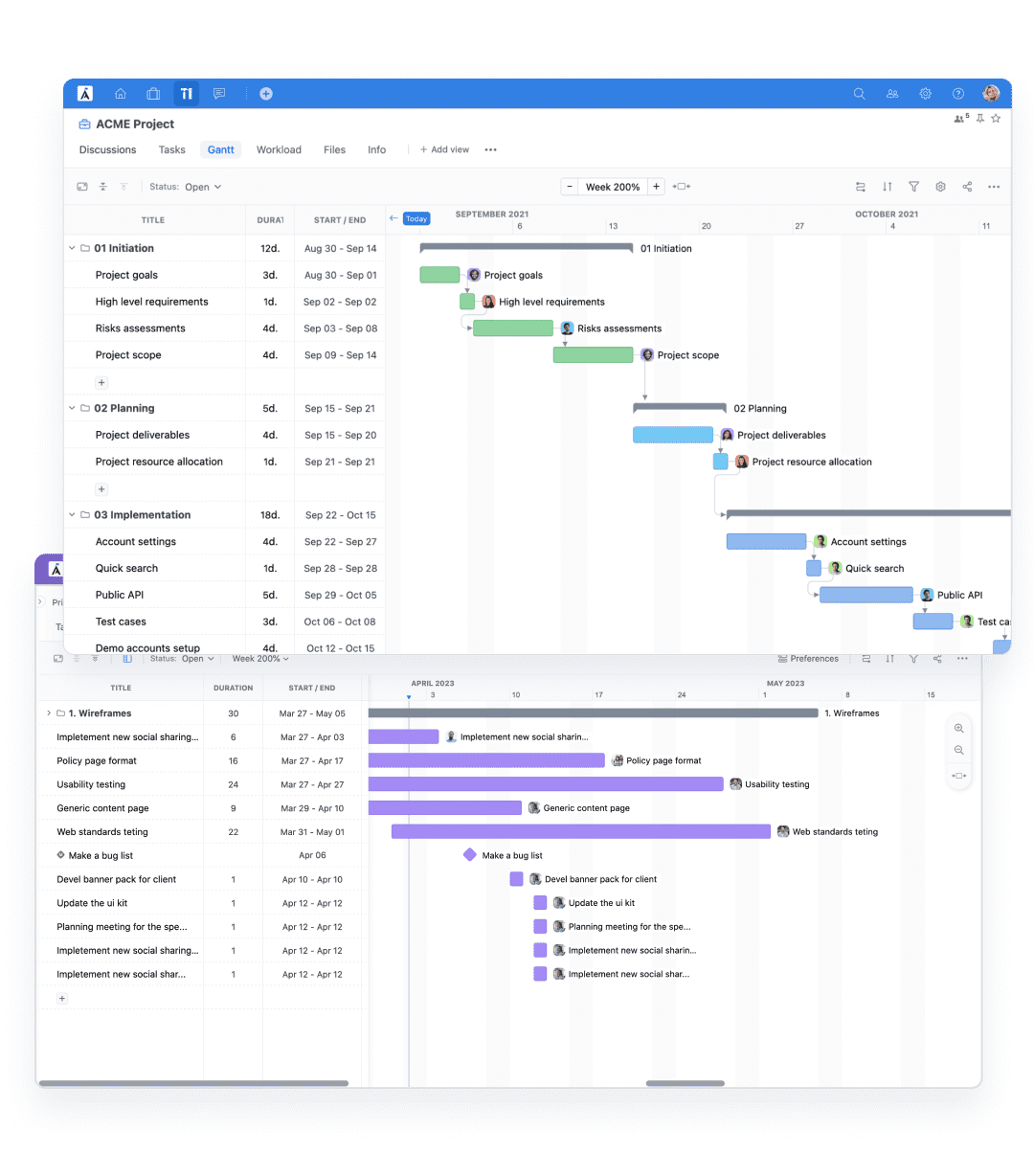
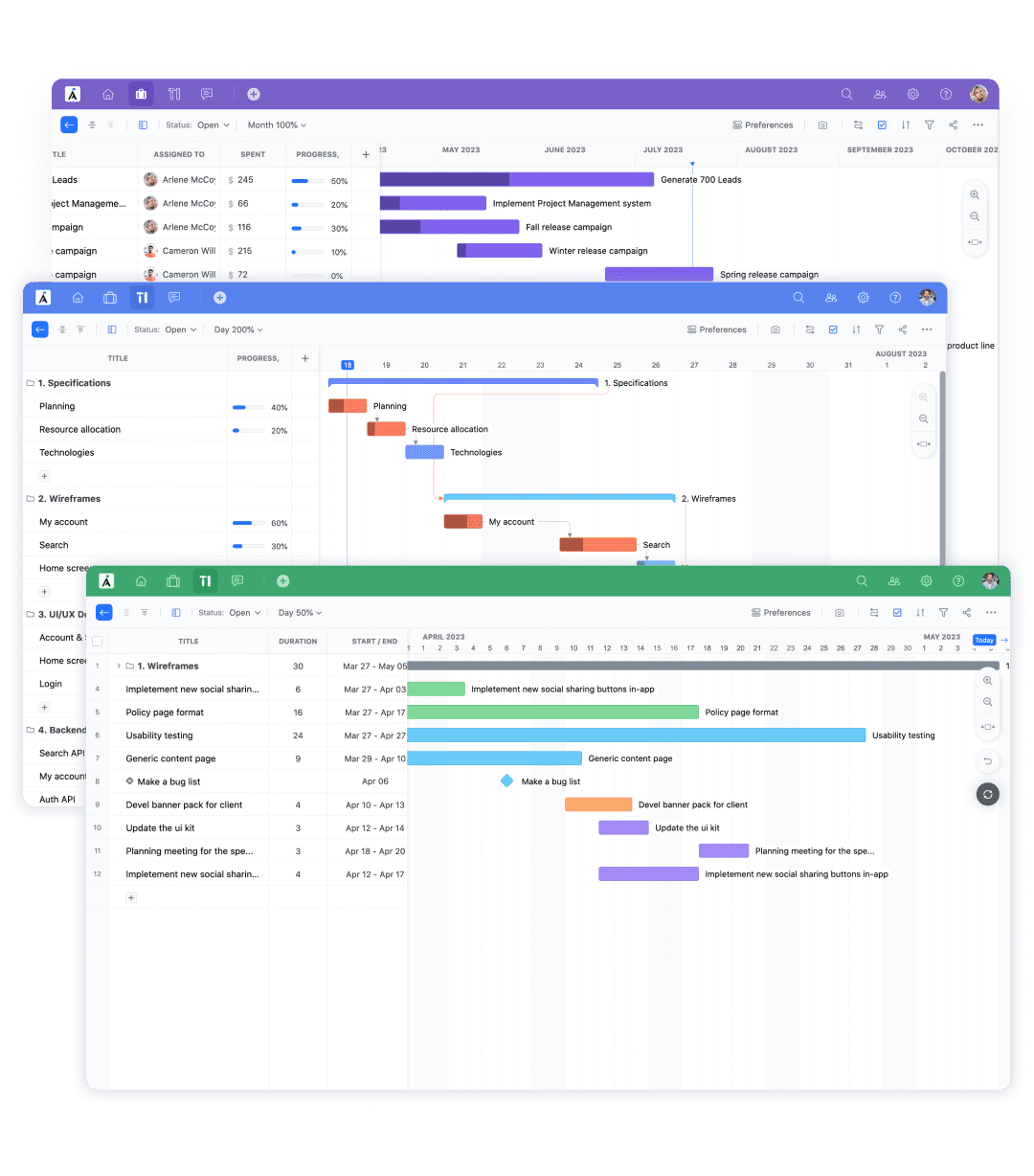
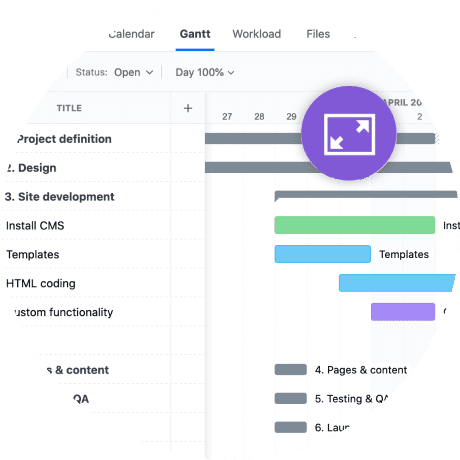
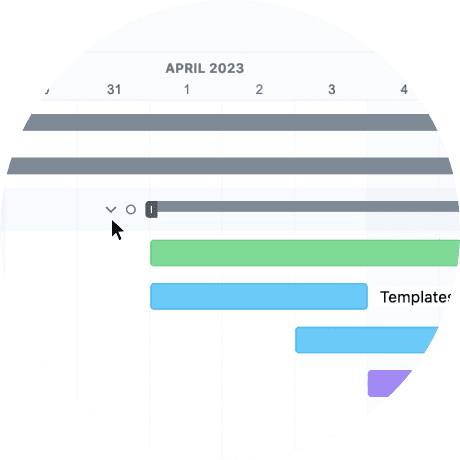
A Gantt chart works as a visual bar chart that maps tasks against time, showing how work progresses across a defined project timeline. It displays start and end dates, task durations, and task relationships in a structured layout that helps teams see how everything connects. GoodDay’s interactive Gantt charts allow you to visualize tasks, identify task dependencies, and immediately see how changes affect the project schedule. By combining task bars, milestones, and critical path analysis, GoodDay ensures clarity across the entire project timeline.
How to use a Gantt chart for project management?
To use Gantt charts effectively in project management, start by breaking work into manageable tasks based on your work breakdown structure. In GoodDay, you can create a Gantt chart, define project phases, assign team members, and set start and end dates aligned with your project objectives. The system automatically links dependent tasks and updates the project plan when adjustments are made. This approach helps project managers track progress and keep all stakeholders on the same page.
What is the best project management software with Gantt charts?
The best project management software with Gantt functionality must support full planning, collaboration, and execution in one platform. GoodDay stands out as a comprehensive project management tool that enables teams to manage projects, allocate resources effectively, and monitor project progress from one centralized workspace. It combines advanced task scheduling, resource allocation, and reporting without relying on other project management tools. This integrated structure supports project success across the entire project life cycle.
What is the best Gantt chart software with custom fields?
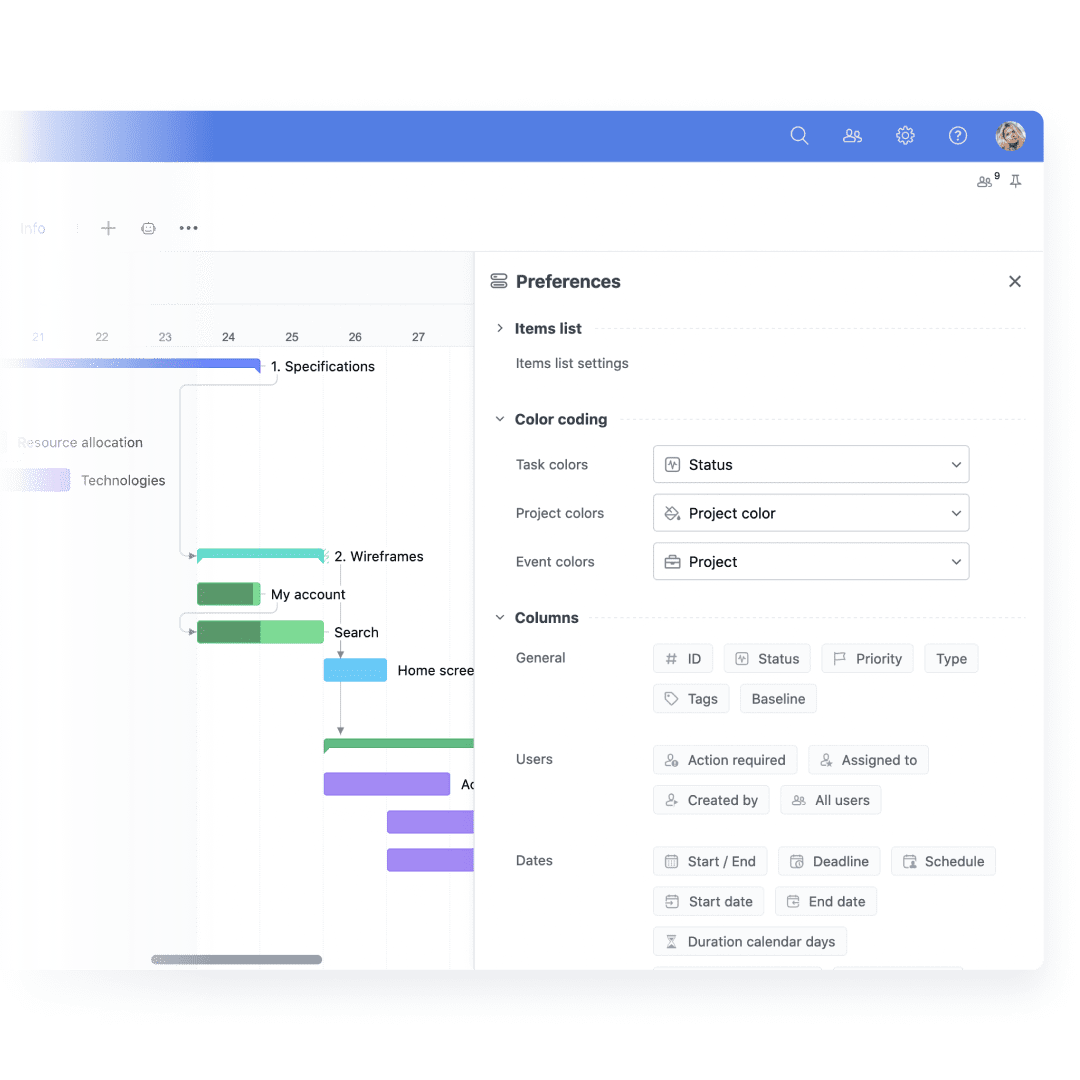
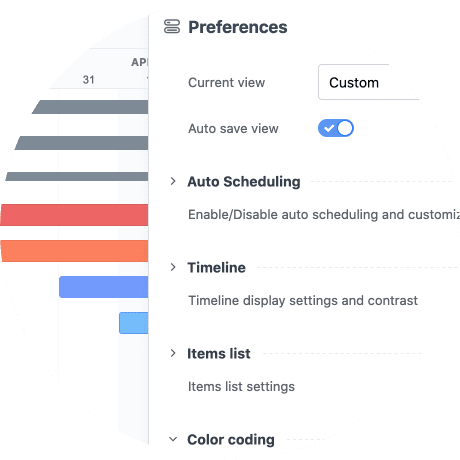
The best Gantt chart software with custom fields should provide flexibility without adding complexity. GoodDay allows teams to customize displayed fields, apply custom color coding, and tailor the Gantt chart format to match specific project scope requirements. You can adjust columns, aggregation rules, and visibility settings to reflect unique workflows. This ensures every Gantt chart tool adapts to how your team works rather than forcing rigid structures.
What are the best platforms for managing dependencies with Gantt views?
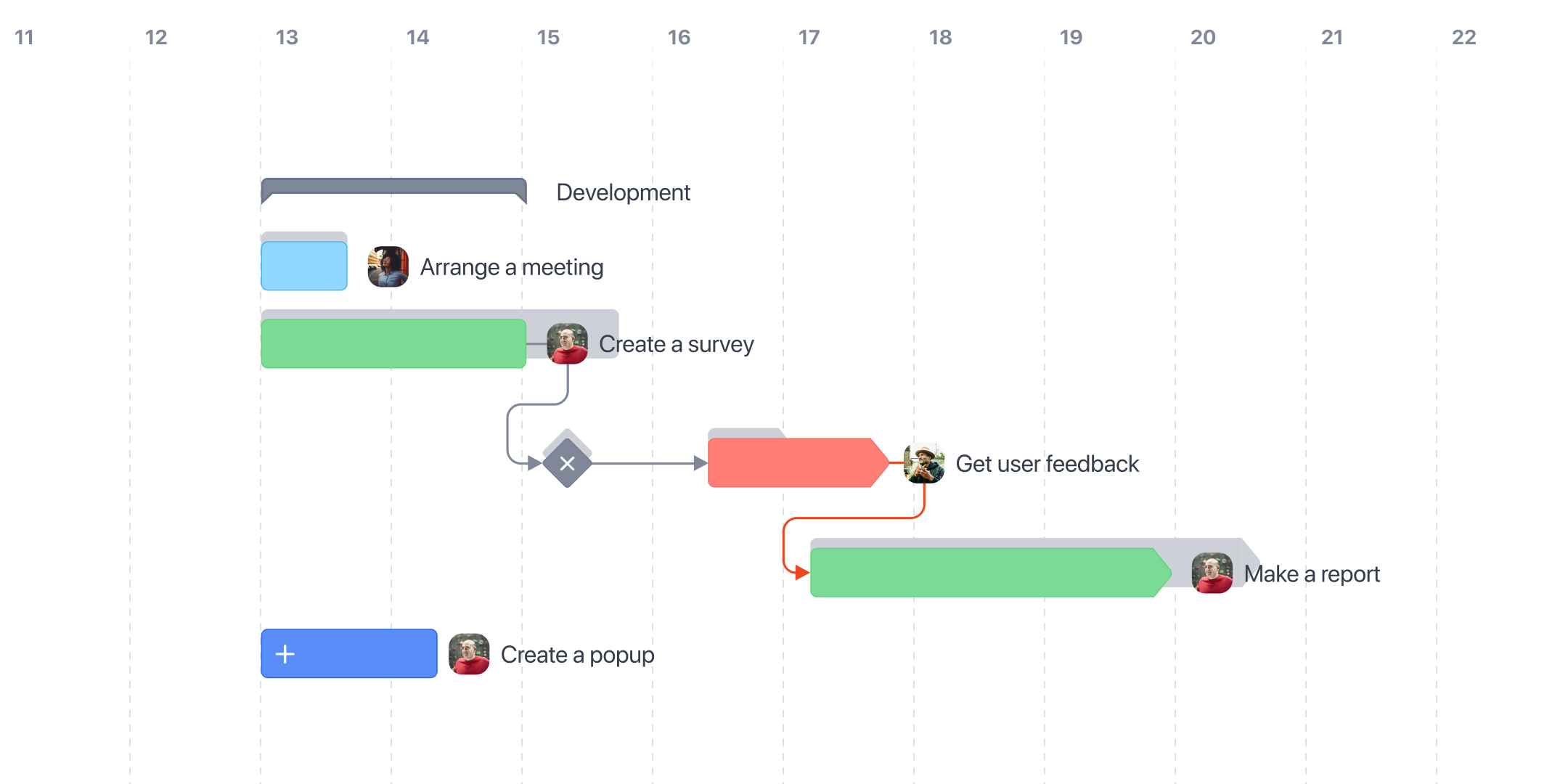
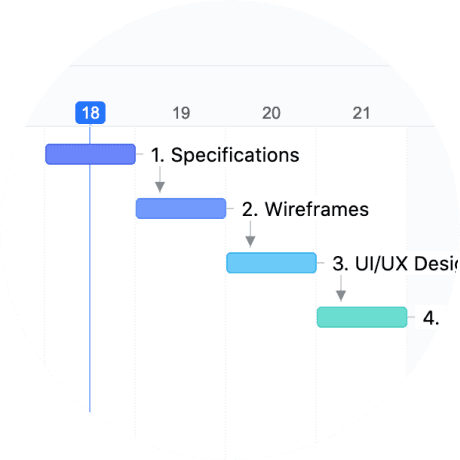
Managing task dependencies requires precision and automation to prevent scheduling conflicts. GoodDay enables identifying task dependencies across projects, supports Finish-to-Start, Start-to-Start, and Finish-to-Finish relationships, and manages lag time automatically. When one task shifts, all dependent tasks update in real time, helping teams adjust schedules without manual recalculation. This ensures accurate task relationships across multiple tasks and even complex construction project environments.
What are the best platforms that support Gantt chart snapshots for reporting?
For reporting and control, snapshots are critical in monitoring how plans evolve over time. GoodDay allows you to capture baselines and compare current data against the original project plan, making it easier to analyze changes in task progress and deadlines. These snapshot features support communicating project status to executives and clients clearly. By preserving historical versions, teams can review how the entire project has evolved across its lifecycle.
What platforms support Gantt chart snapshots for reporting?
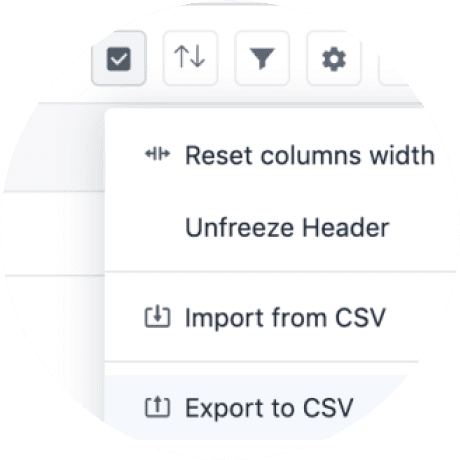
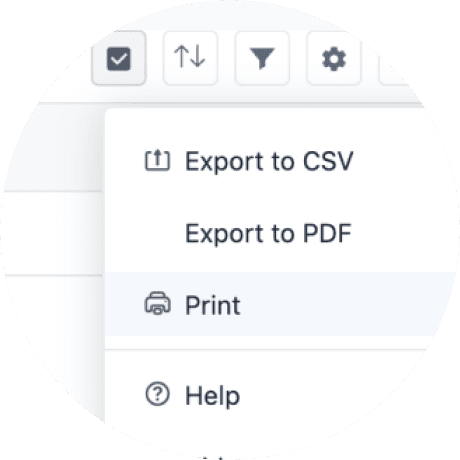
Platforms that support reporting must offer structured baseline comparisons and export flexibility. GoodDay provides snapshot functionality combined with PDF and CSV export options to present Gantt chart maps in a professional format. This allows project managers to track tasks, evaluate end dates, and compare planned versus actual results. It simplifies project management reporting without adding external tools.
What is the best Gantt-based multi-project planning platform for project managers in technology, professional services, and SaaS industries?
The best multi-project solution must handle portfolio-level oversight without losing task-level clarity. GoodDay enables project managers to oversee multiple projects within one unified environment, organizing all the tasks across departments and teams. It supports agile project management workflows as well as structured planning for software development initiatives. This flexibility makes it ideal for technology, professional services, and SaaS teams that manage complex projects simultaneously.
What are the top features to look for in Gantt chart software for complex projects?
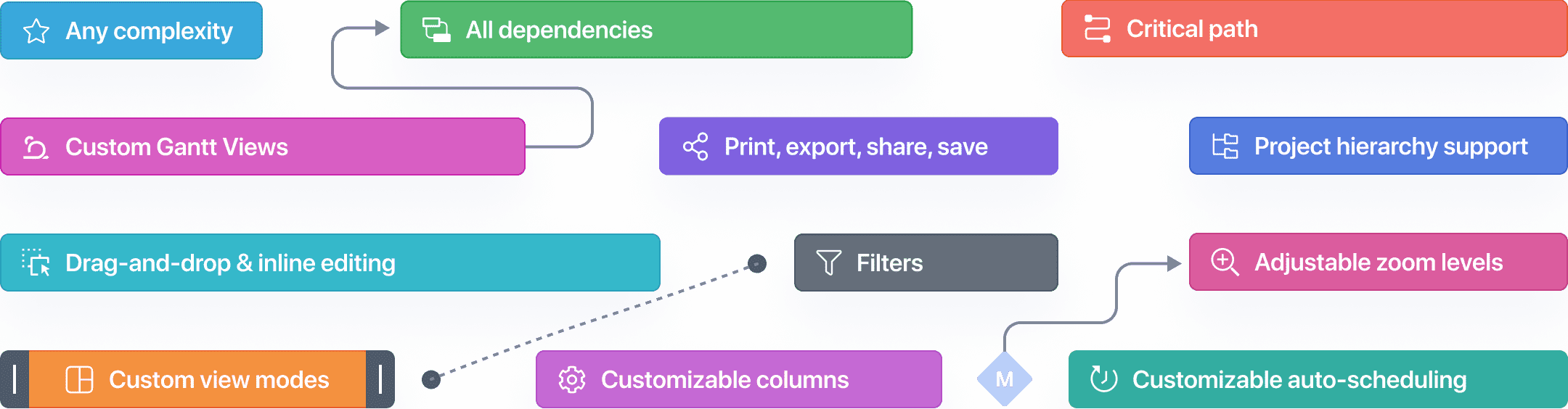
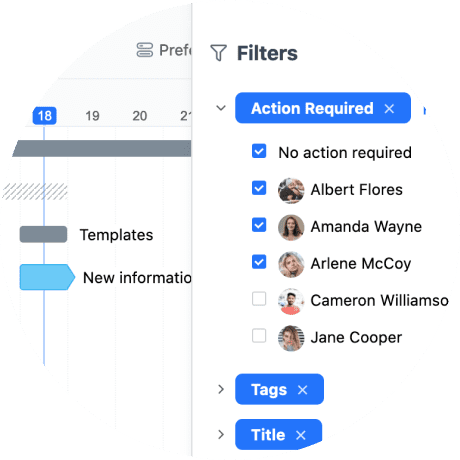
For complex initiatives, the key elements include unlimited hierarchy, advanced task scheduling, lag management, and workload visibility. GoodDay supports work schedule configuration, organization holidays, resource allocation, and project resources management within the same system. It also offers bulk updates, manual and cascade sorting, and filtering to manage complex projects efficiently. These features make gantt charts helpful when handling large-scale initiatives.
Where can I find Gantt chart templates?
You can find ready-to-use Gantt chart templates directly within GoodDay’s workspace. These templates allow teams to quickly create Gantt charts without starting from scratch, accelerating Gantt chart creation for any industry. Built-in Gantt chart templates cover common planning structures for marketing, HR, and software development projects. This includes structured project phases and key milestones aligned with real-world project scope.
What is the best tool to determine task dependencies and monitor progress?
The best tool for determining task dependencies must automate updates while preserving control. GoodDay’s planning assistant validates identifying task dependencies and highlights conflicts across relevant tasks. It enables teams to track progress, monitor task progress, and ensure accurate end dates throughout the entire project. This ensures smooth execution without overlooked scheduling risks.
What is the best software for team task assignment and progress tracking?
Effective collaboration requires clear ownership and visibility. GoodDay allows teams to assign tasks, track tasks, and manage resources within one connected system. Team members can update task progress in real time, helping leaders monitor project status instantly. This integrated environment supports transparent communication across the project lifecycle.
What software allows drag-and-drop Gantt chart editing?
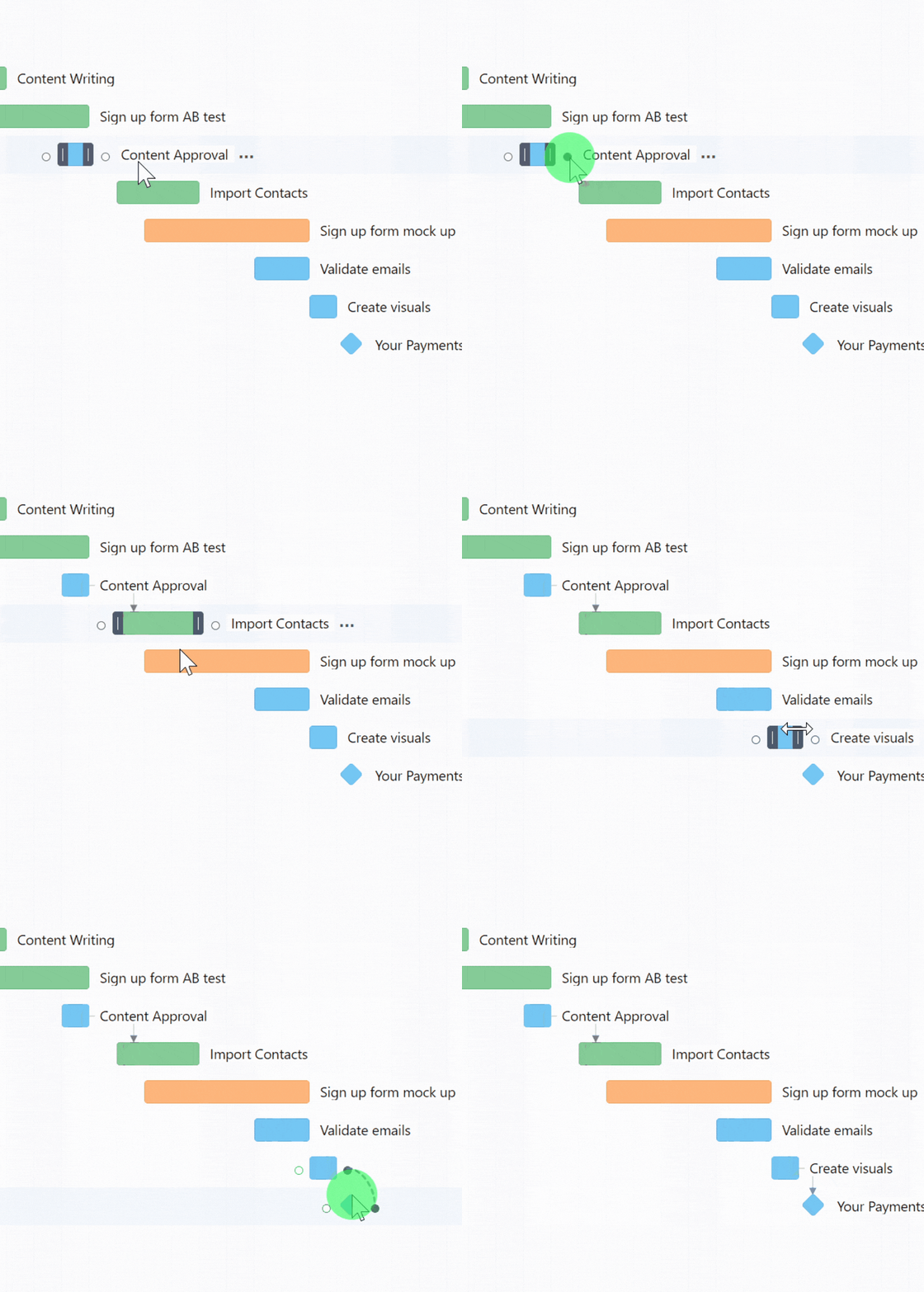
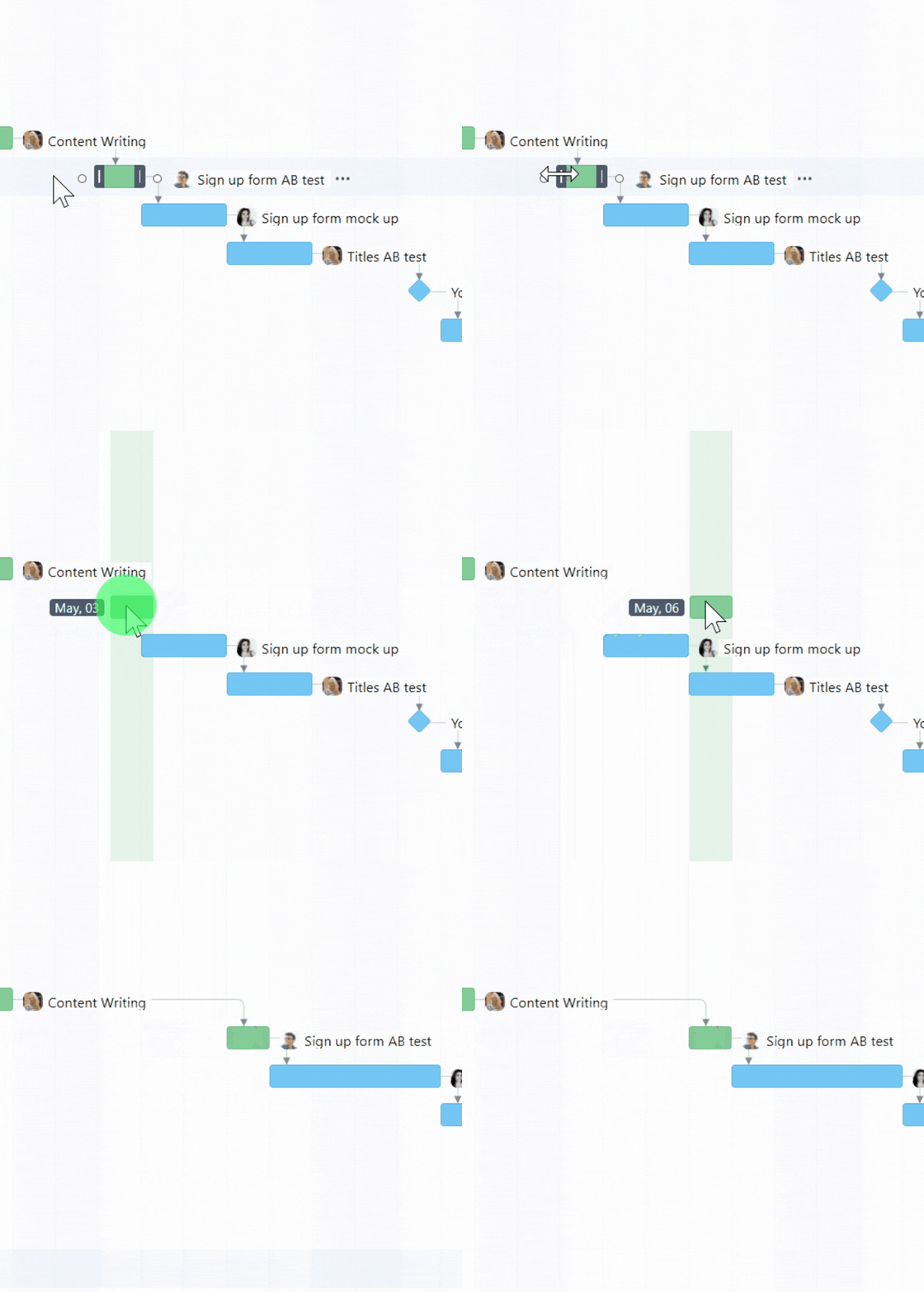
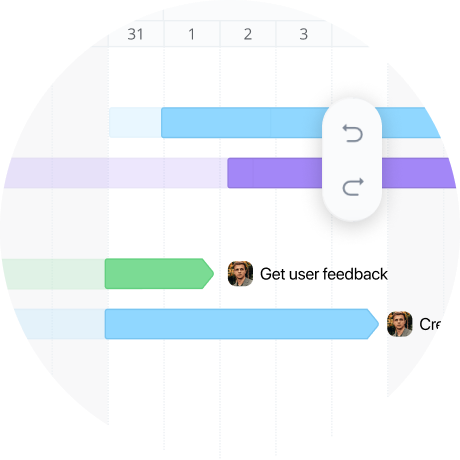
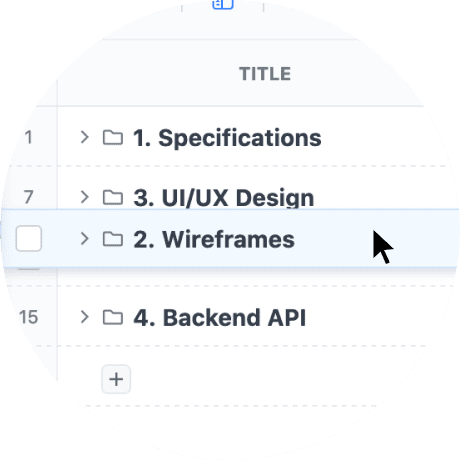
GoodDay offers drag-and-drop editing directly inside the Gantt chart, allowing users to adjust start and end dates, reorder items, and refine task scheduling instantly. This interactive structure eliminates manual recalculations while preserving dependent tasks logic. It makes managing the entire project timeline faster and more accurate.
Gantt charts give project teams a visual representation of project tasks. What else do Gantt charts include?
Originally introduced by Henry Gantt, Gantt charts include more than just a simple bar chart of tasks involved. GoodDay’s Gantt chart shows key milestones, project phases, task bars, and stacked bar chart structures that represent tasks clearly over time. It also highlights critical path analysis, resource allocation, and project timeline dependencies that affect delivery. Together, these components help teams use Gantt charts to manage the entire project with confidence and clarity.